Data Wrangling with R Pt I
October
10, 2025
Andy Lyons
https://ucanr-igis.github.io/DataWranglingR/
Start Recording

About Me...

About You...
Workshop Goals
- Gain a better understanding of the fundamentals of data
wrangling
- Be able to find the packages and functions that can do what you
need
- Grow your library of working code recipes
- Be better equipped to trouble-shoot your code
- Come out slightly higher on the learning curve!

Data Wrangling: What do we mean?
Whatever is needed to get your data frame ready
for the function(s) you want to use for analysis and visualization.
Also called: data munging, data manipulation, data transformation, etc.
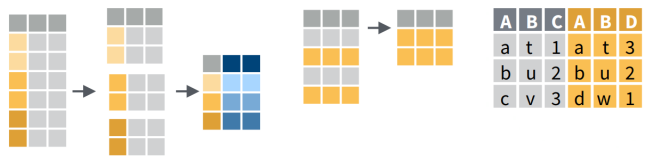
Operations
Data wrangling often includes some combination of:
- dropping columns
- renaming columns
- changing the order of columns
- creating new columns with an expression
- filtering rows
- sorting rows
- going from 'long' to 'wide' formats
- joining data frames based on a common field
- merging / stacking data frames together
- splitting tables
- aggregating rows into groups
- splitting columns into new columns / rows
Outline
Developing a strategy
- What is tidy data?
- Working backwards
R Methods
- Importing data
- Subsetting rows and columns
- Creating new columns
- Class conversions: text, dates, numbers, units
- Splitting columns
- Joining tables
- Grouping and summarizing rows
- Dealing with missing values
- Reshaping data
More advanced tasks
- Wrangling really large data
- Flattening nested data
- Splitting flat data into relational tables
- Reading and writing databases
- ??
Planning Your Data Wrangling
Strategy
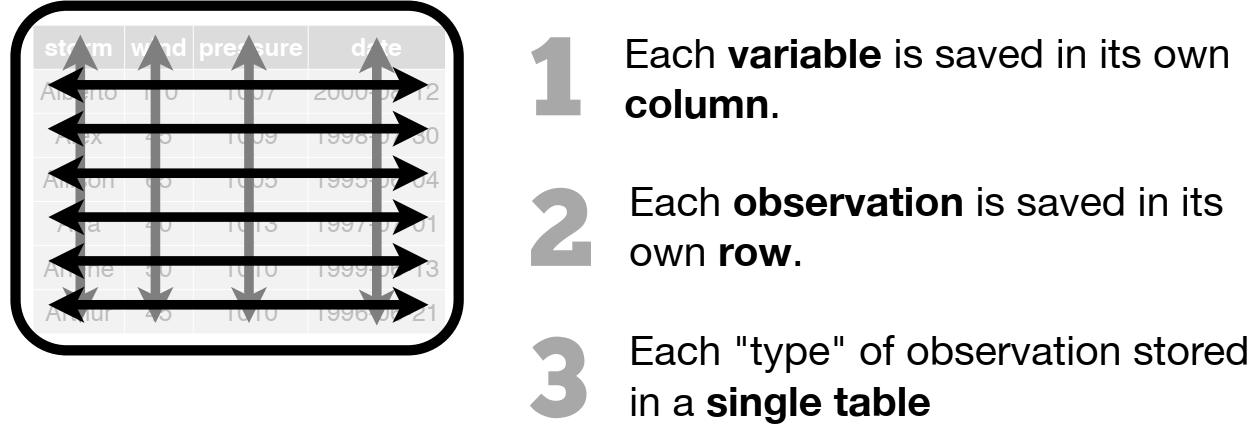
What is "tidy data"?
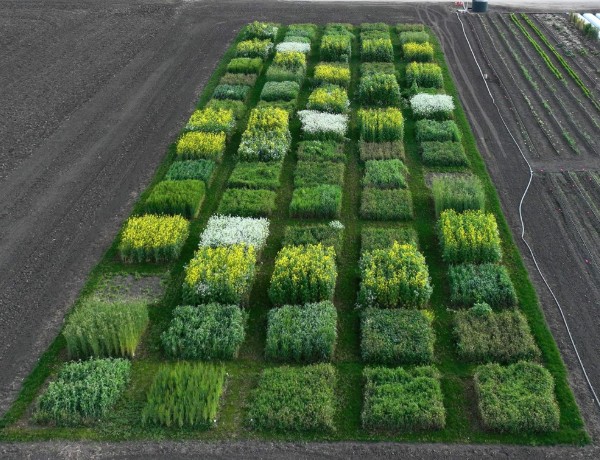
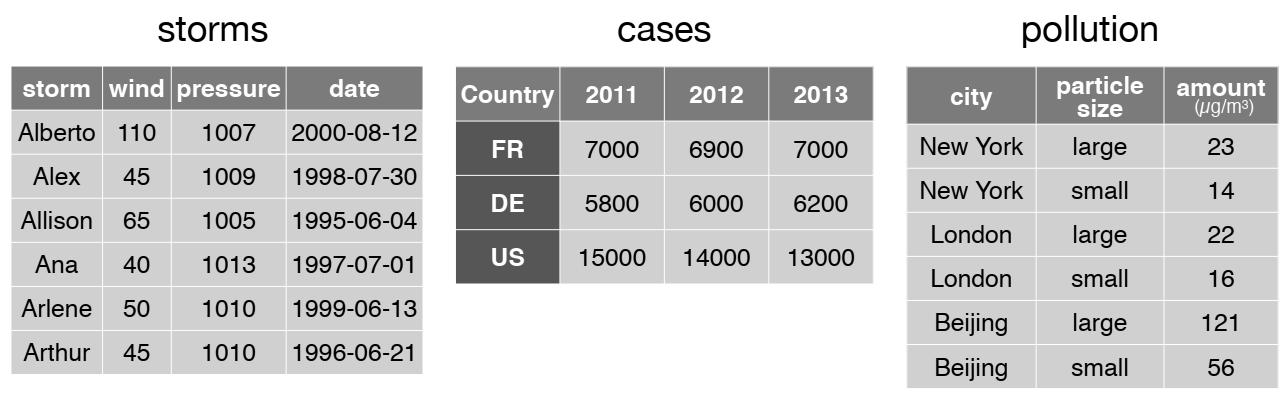
Are these data 'tidy'?
Do I have to use tidy data?
Advantages of tidy data
- computers programs like it!
- makes data wrangling code really efficient
- many, many R developers are developing 'tidy-ready' functions in
their packages
Reasons not to use tidy data
- if your data are not rectangular
- designing a table for human consumption
- simple rowwise calculation (e.g. t1 - t2)
- if the stats / analysis function requires something specific
Data Wrangling Methods
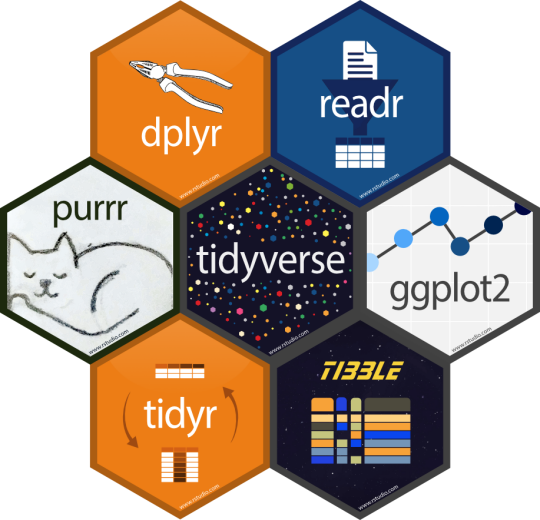
Tidyverse
Install them all at once:
install.packages("tidyverse")
For the complete list of all the tidyverse packages, see:
Core Packages
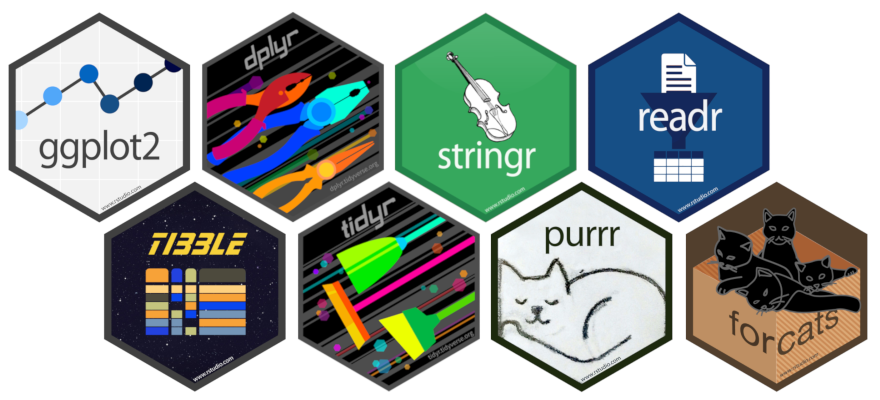
Load core packages all at once:
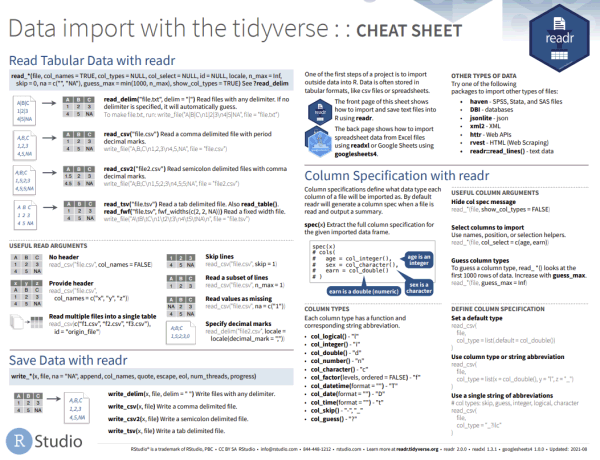
Better Ways to Import Tabular Data




These packages allow you to:
- import tabular data in different formats
- skip rows that don't actually contain data
- specify whether the file contains a header
- rename columns as part of the importing
- specify the data type for each column
Example:
library(readxl)
my_tbl = read_xlsx(path = "plot_data.xlsx",
                   sheet = "Sheet2",
                   skip = 3,
                   col_names = c("plot_num", "date", "species", "count"),
                   col_types = c("text", "date", "text", "integer"))
Explore Data
So whatdya we got here?
Structure
dim()
nrow()
ncol()

str()
Preview the data
head()
View()

dplyr::glimpse()
Distribution and Frequency
summary()

## Discrete values
unique()
table()
Plots
hist()

plot(x,y)
qqplot()
Missing Values
Little bit of everything
Data Wrangling with dplyr
An alternative (usually better) way to wrangle data frames than base
R.
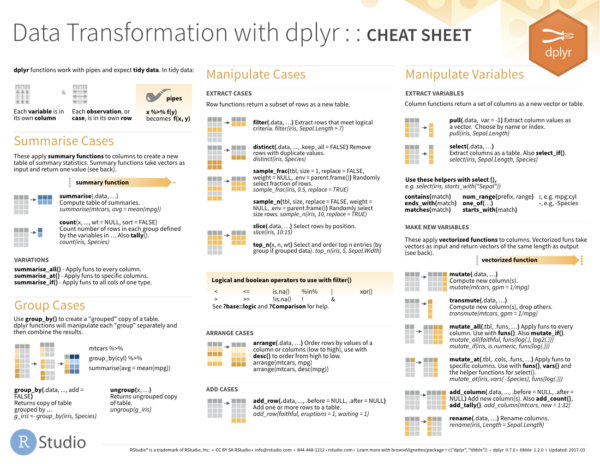
Best way to familiarize yourself - explore the cheat sheet:
Popular dplyr Functions
Row and Column Manipulations
|
subset rows
|
filter(), slice()
|
|
order rows
|
arrange()
|
|
pick column(s)
|
select(), pull()
|
|
add new columns
|
mutate()
|
Subset Rows
The two functions most commonly used to subset rows include
filter() and slice().
- use
filter() to subset based on a logical
expressions
- use
slice() to subset based on
indices
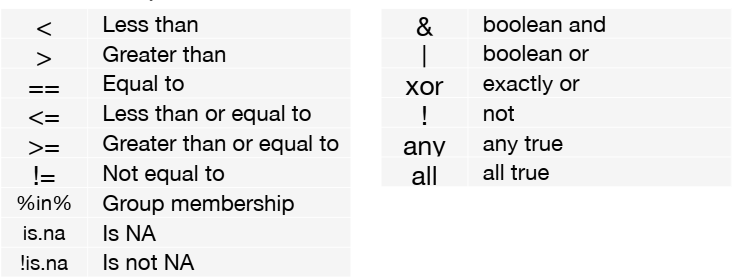
Logical expressions you can use in filter() include:
Chaining dplyr functions
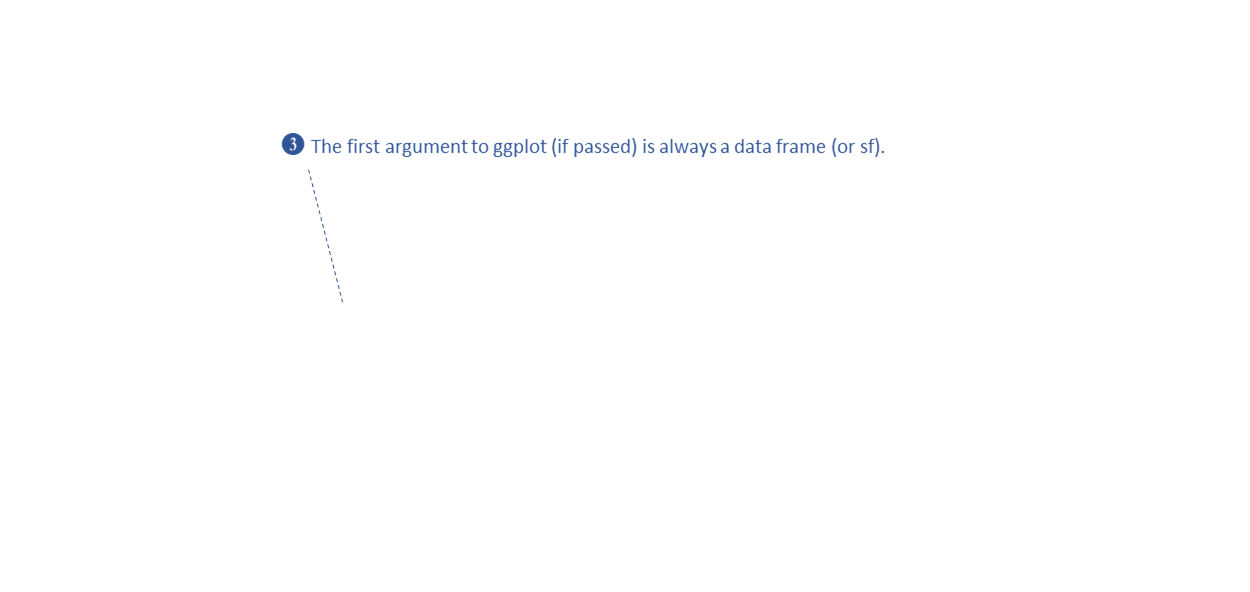
Most dplyr functions take a tibble as the first
argument , and return a tibble.
This makes them very pipe friendly.
Example
Look at the storms tibble:
library(dplyr)
head(storms)
## # A tibble: 6 × 13
##   name   year month   day  hour   lat  long status       category  wind pressure
##   <chr> <dbl> <dbl> <int> <dbl> <dbl> <dbl> <fct>           <dbl> <int>    <int>
## 1 Amy    1975     6    27     0  27.5 -79   tropical de…       NA    25     1013
## 2 Amy    1975     6    27     6  28.5 -79   tropical de…       NA    25     1013
## 3 Amy    1975     6    27    12  29.5 -79   tropical de…       NA    25     1013
## 4 Amy    1975     6    27    18  30.5 -79   tropical de…       NA    25     1013
## 5 Amy    1975     6    28     0  31.5 -78.8 tropical de…       NA    25     1012
## 6 Amy    1975     6    28     6  32.4 -78.7 tropical de…       NA    25     1012
## # ℹ 2 more variables: tropicalstorm_force_diameter <int>,
## #   hurricane_force_diameter <int>
Filter out only the records for category 3 or higher storms
storms |>
  select(name, year, month, category) |>     ## select the columns we need
  filter(category >= 3)                      ## select just the rows we want
## # A tibble: 1,262 × 4
##    name      year month category
##    <chr>    <dbl> <dbl>    <dbl>
##  1 Caroline  1975     8        3
##  2 Caroline  1975     8        3
##  3 Eloise    1975     9        3
##  4 Eloise    1975     9        3
##  5 Gladys    1975    10        3
##  6 Gladys    1975    10        3
##  7 Gladys    1975    10        4
##  8 Gladys    1975    10        4
##  9 Gladys    1975    10        3
## 10 Belle     1976     8        3
## # ℹ 1,252 more rows
dplyr functions generally allow you to enter column
names without quotes.
stringr
Replace characters:
str_replace_all(string = "The Quick Brown Fox",
                pattern = " ",
                replacement = "_")
## [1] "The_Quick_Brown_Fox"
Split a character into two:
str_split_1("horse, cart, buggy", pattern = ",")
## [1] "horse" " cart" " buggy"
Trim white space:
str_trim(" 123 California Hall ", side = "both")
## [1] "123 California Hall"
ggplot
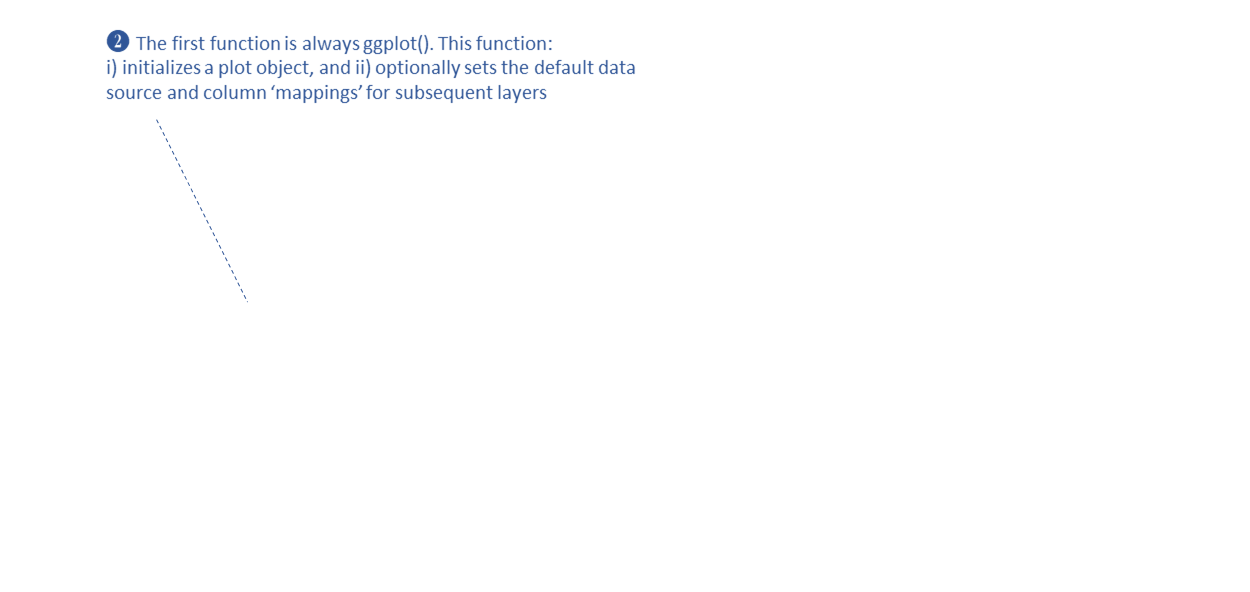
ggplot2 is an extremely popular plotting package for R.
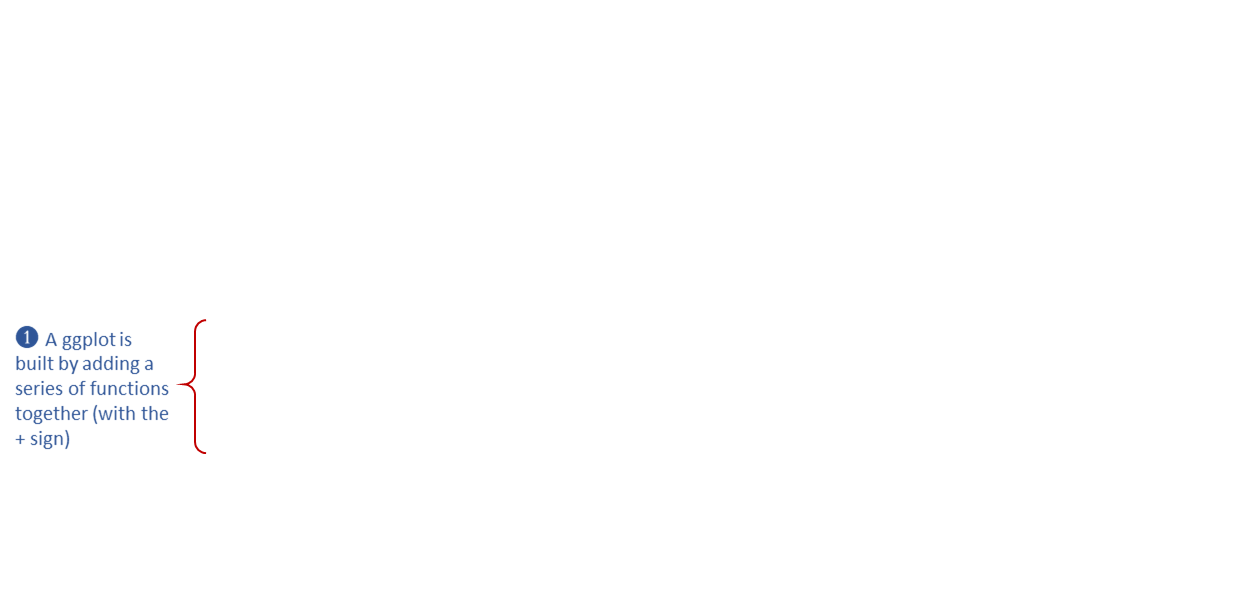
ggplots are constructed using the ‘grammar of
graphics’ paradigm.
library(ggplot2)
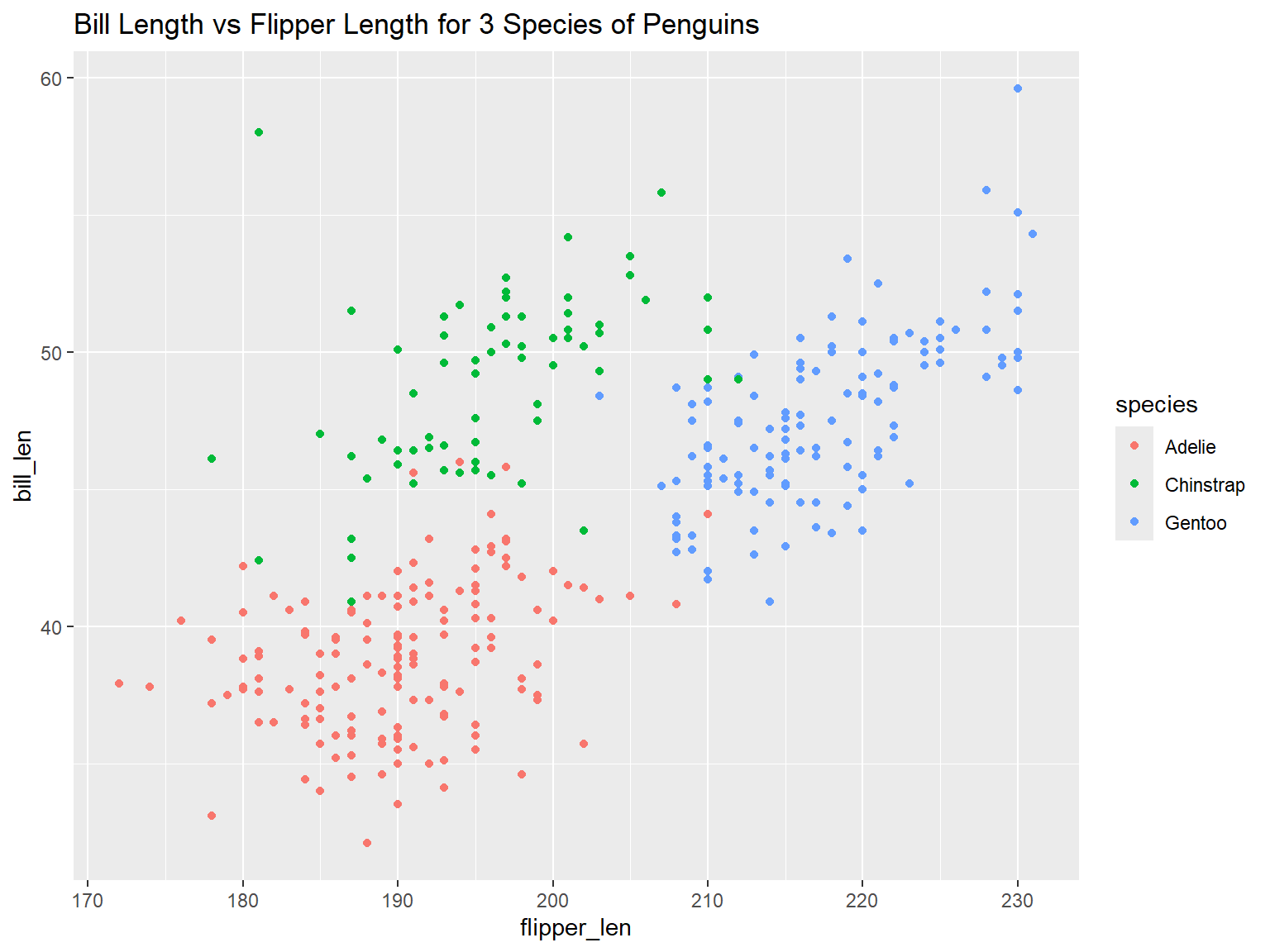
ggplot(penguins, aes(x = flipper_len, y = bill_len, color = species)) +
  geom_point() +
  ggtitle("Bill Length vs Flipper Length for 3 Species of Penguins")
Maping Columns to Symbology Properties with aes()
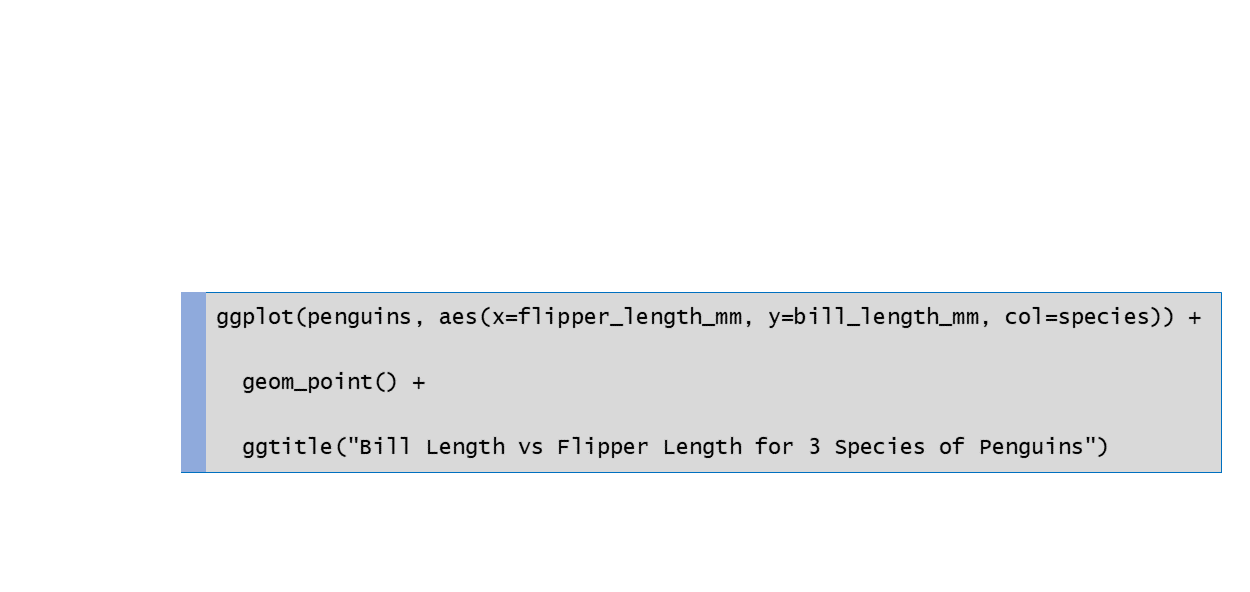
ggplot(penguins, aes(x = flipper_length_mm , y = bill_length_mm , color = species)) +
  geom_point() +
  ggtitle("Bill Length vs Flipper Length for 3 Species of Penguins")
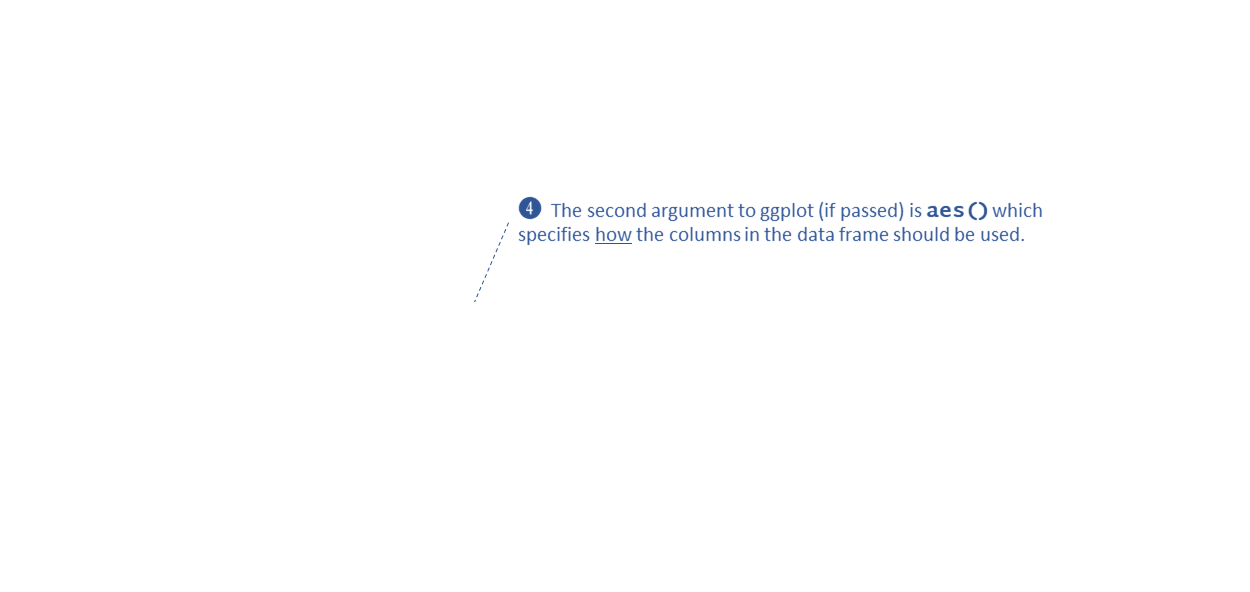
aes() sets the default source for each visual property
(or aesthetic) of the plot layers
- note you don't need to put column names in quotes
- some common visual properties:
x - where it falls along the x-axis
y - where it falls along the y-axis
color
fill
size
linewidth
- which visual properties are needed depends on the
geom_xxxx() functions you use
- only put in
aes() the visual properties you want linked
to the data
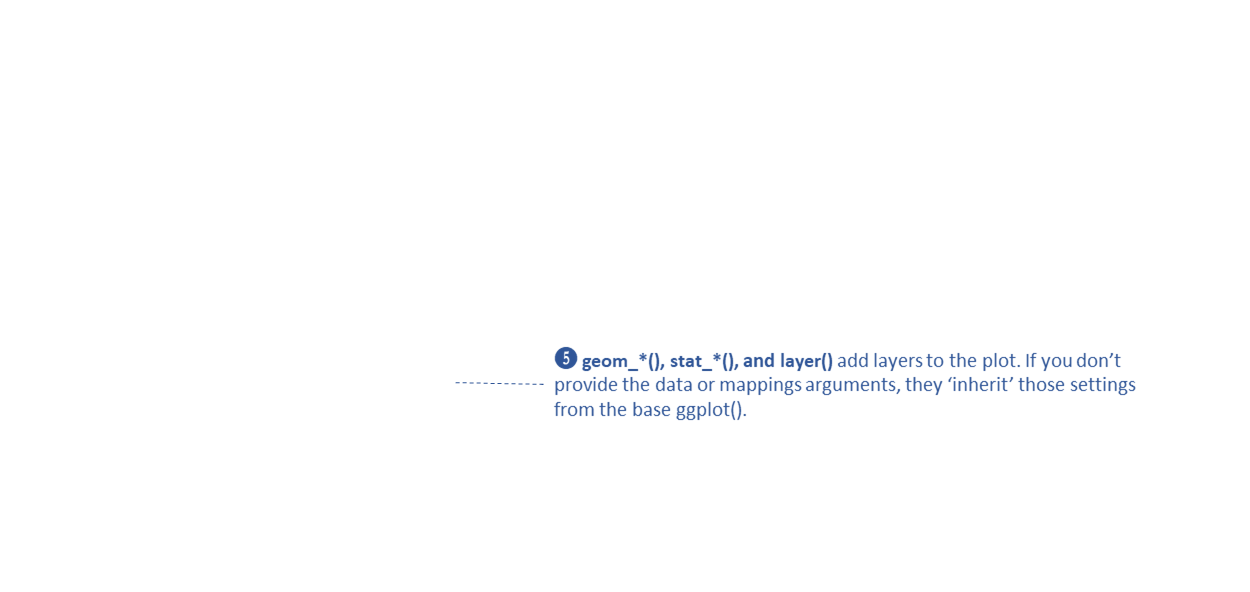
Geoms
- geom_point()
- geom_bar()
- geom_boxplot()
- geom_histogram()
- visual properties can be linked to a column in the data frame or
manually specified
geom_point(col = pop_size)
geom_point(col = "red")
Example:
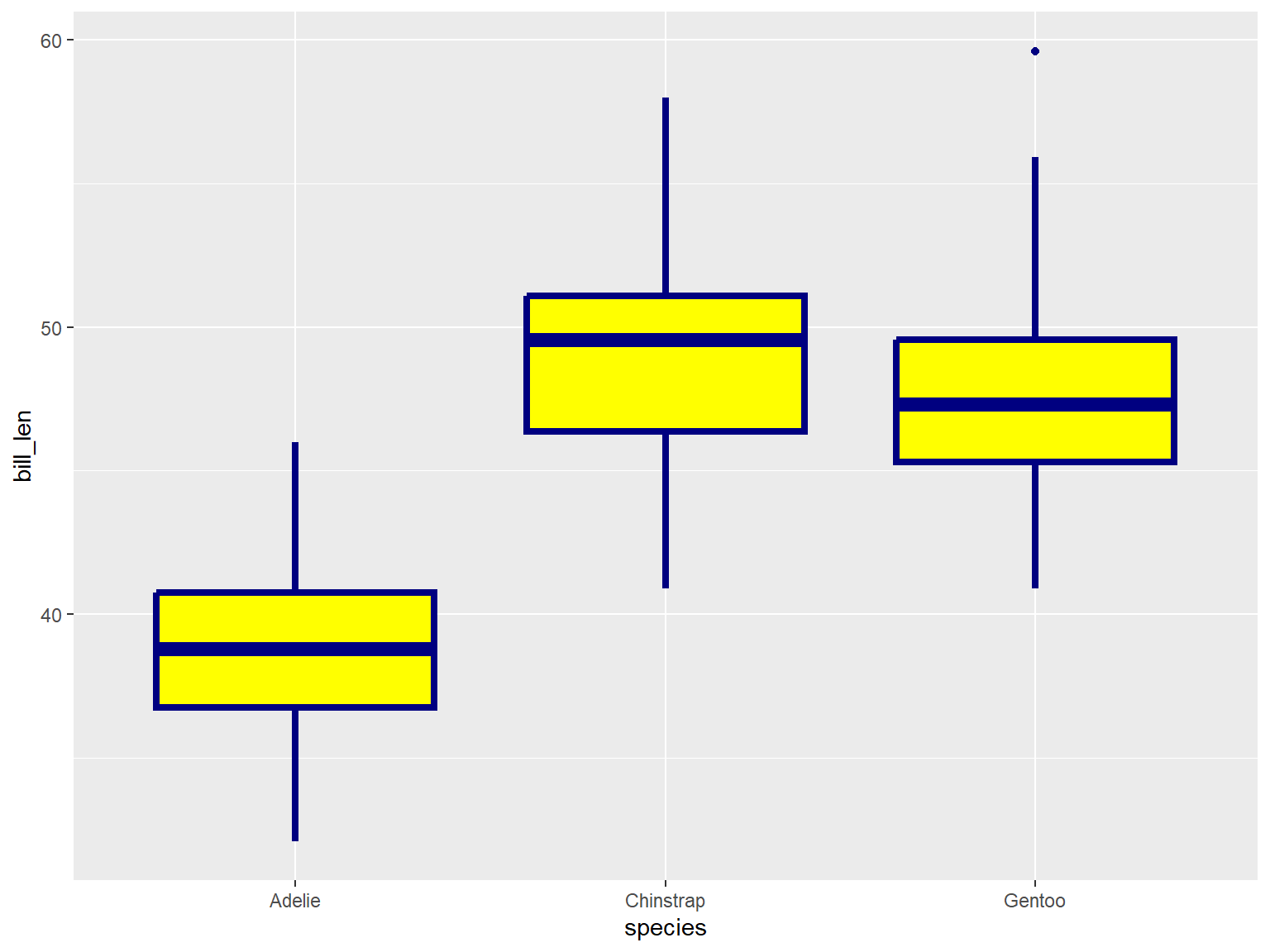
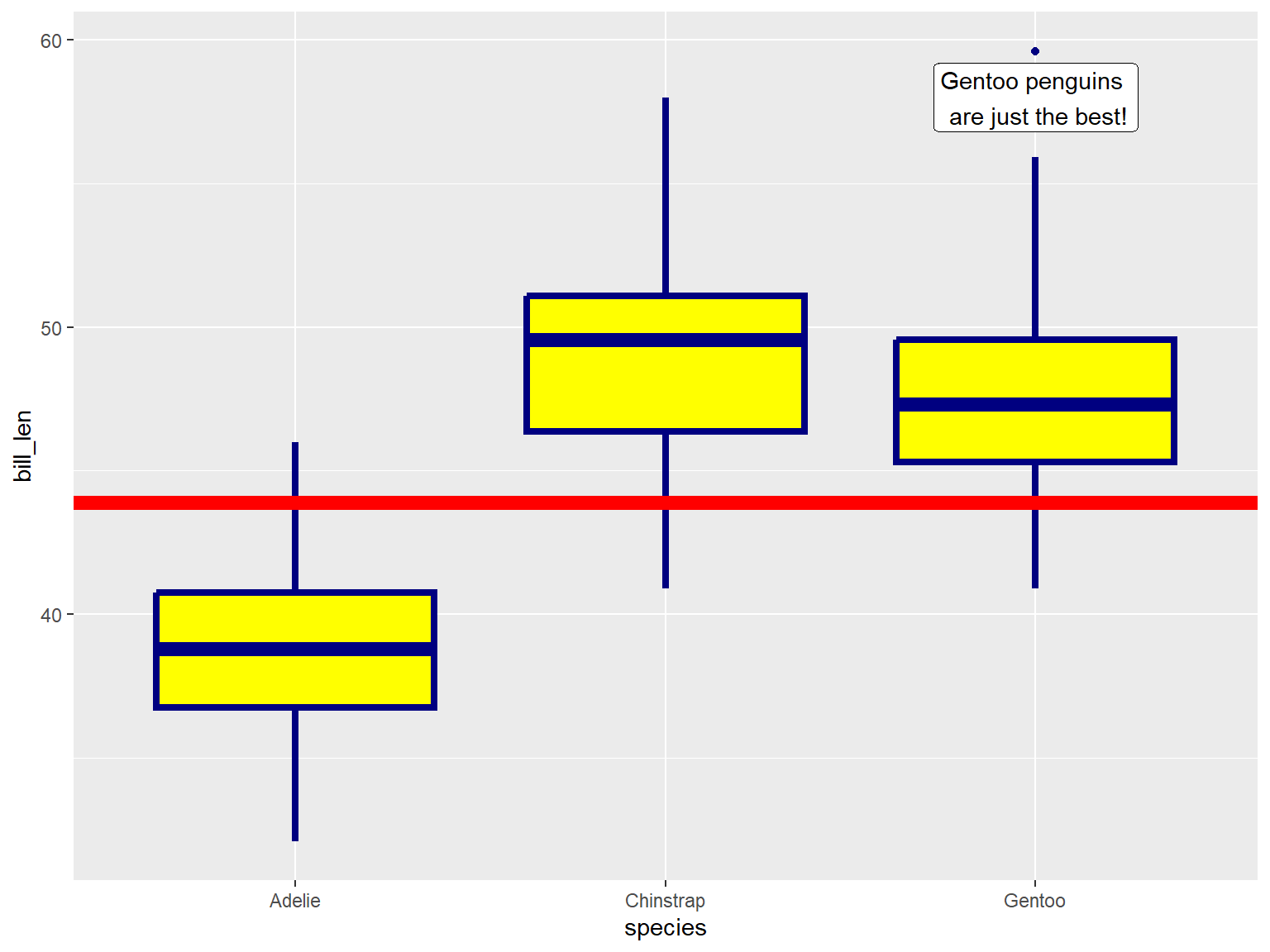
In the example below, note where geom_boxplot() gets its
visual properties:
- x and y are linked to columns in
the dataframe and inherited from
aes()
- color, fill, and
size are manually specified
ggplot(penguins, aes(x = species, y = bill_len)) +
  geom_boxplot(color = "navy", fill = "yellow", size = 1.5)
## Warning: Removed 2 rows containing non-finite outside the scale range
## (`stat_boxplot()`).
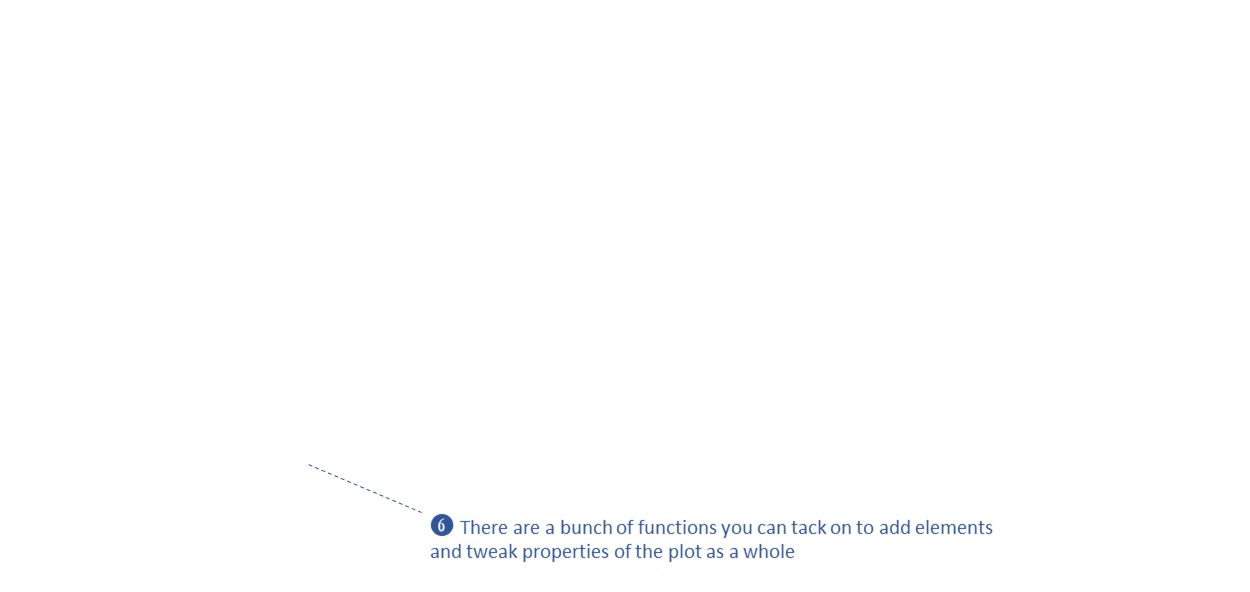
Adding visual elements to a
plot
geom_xxxx() functions can also be used to add other
graphic elements:
ggplot(penguins, aes(x = species, y = bill_len)) +
  geom_boxplot(color = "navy", fill = "yellow", size = 1.5) +
  geom_hline(yintercept = 43.9, linewidth = 3, color="red") +
  geom_label(x = 3, y = 58, label = "Gentoo penguins \n are just the best!")
## Warning: Removed 2 rows containing non-finite outside the scale range
## (`stat_boxplot()`).
Exercise 1
In this exercise, we will:
- import some messy survey data from Excel
- import, clean, and visualize weekly pop-quiz scores
- improve column names
- subset columns
- plot distributions
- sort and subset rows
- compute new columns
- resample columns
- split columns
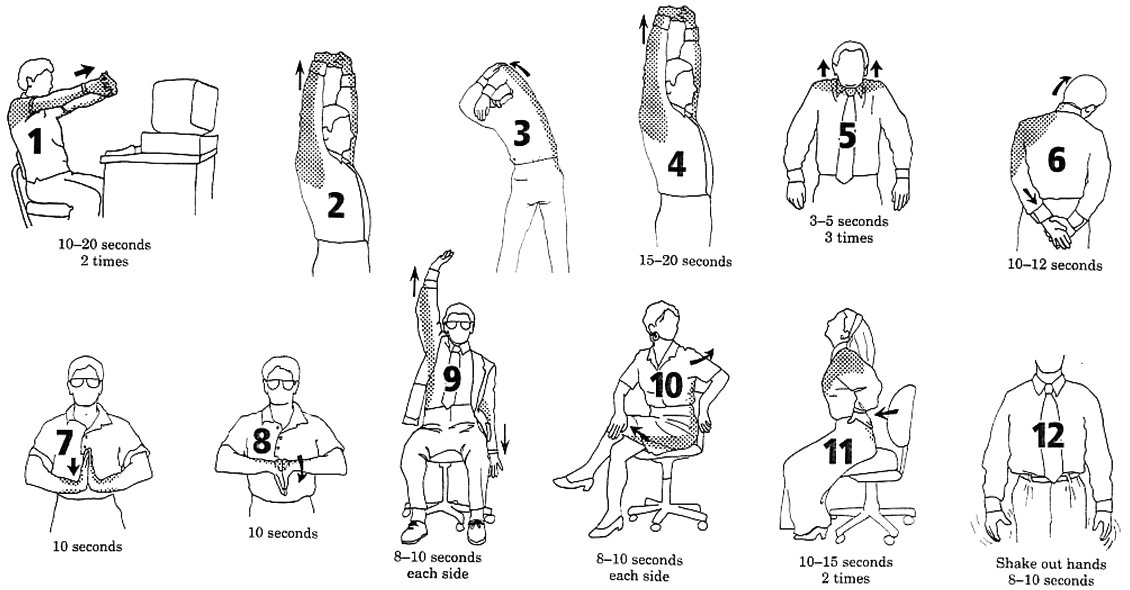
Break!
Highlights of Exercise 1
Data wrangling starts when you import data
Exploring what you got
ggplot() can split up the data for visualization
- base R functions:
dim(), summarize(),
table()
head(), View()
Renaming columns
- one-by-one: use
rename() or select()
- apply a function to several columns at once: use
rename_with()
Subsetting rows and columns
select()
filter(), slice()
Exploring the top and bottom values
arrange()slice_max(), slice_min()
Add or modify columns: mutate()
with:
- any vectorized function or operator
min_rank()
if_else()
case_when()
Splitting columns
mutate + stringr::str_split_i()tidyr::separate_wider_delim() - more flexible
tidy-select Expressions
tidy-select functions can be used to specify columns
in a data frame.
These expressions can be used wherever you need to specify columns,
including:
select()
rename_with()
mutate(across())
Examples
|
-student_id
|
all columns except age
|
|
quiz_01:quiz10
|
all columns between quiz_01 and quiz_10
|
|
starts_with("Quiz")
|
all columns that start with 'Quiz'
|
|
contains('cm')
|
column names that contain 'cm'
|
all_of(c('major', 'gpa'))
any_of(c('major', 'gpa'))
|
column names stored in a vector
|
|
last_col()
|
last column
|
|
everything()
|
all columns
|
Group and Summarize
Step 1 (optional):
group rows (i.e., change the unit
of analysis)
|
group_by()
|
Step 2:
Compute summaries for each group of rows
|
Add summary columns with summarize()
Aggregate functions
available: n(), mean(), median(), sum(), sd(), IQR(), first(),
etc.
|
Example:
library(dplyr)
head(storms)
## # A tibble: 6 × 13
##   name   year month   day  hour   lat  long status       category  wind pressure
##   <chr> <dbl> <dbl> <int> <dbl> <dbl> <dbl> <fct>           <dbl> <int>    <int>
## 1 Amy    1975     6    27     0  27.5 -79   tropical de…       NA    25     1013
## 2 Amy    1975     6    27     6  28.5 -79   tropical de…       NA    25     1013
## 3 Amy    1975     6    27    12  29.5 -79   tropical de…       NA    25     1013
## 4 Amy    1975     6    27    18  30.5 -79   tropical de…       NA    25     1013
## 5 Amy    1975     6    28     0  31.5 -78.8 tropical de…       NA    25     1012
## 6 Amy    1975     6    28     6  32.4 -78.7 tropical de…       NA    25     1012
## # ℹ 2 more variables: tropicalstorm_force_diameter <int>,
## #   hurricane_force_diameter <int>
For each month, how many storm observations are saved in the data
frame
storms |>
  select(name, year, month, category) |>    ## select the columns we need
  group_by(month) |>                        ## group the rows by month
  summarize(num_storms = n())               ## for each group, report the count
## # A tibble: 10 × 2
##    month num_storms
##    <dbl>      <int>
##  1     1         70
##  2     4         66
##  3     5        201
##  4     6        809
##  5     7       1651
##  6     8       4442
##  7     9       7778
##  8    10       3138
##  9    11       1170
## 10    12        212
Joining Tables
Join tables on a common
column
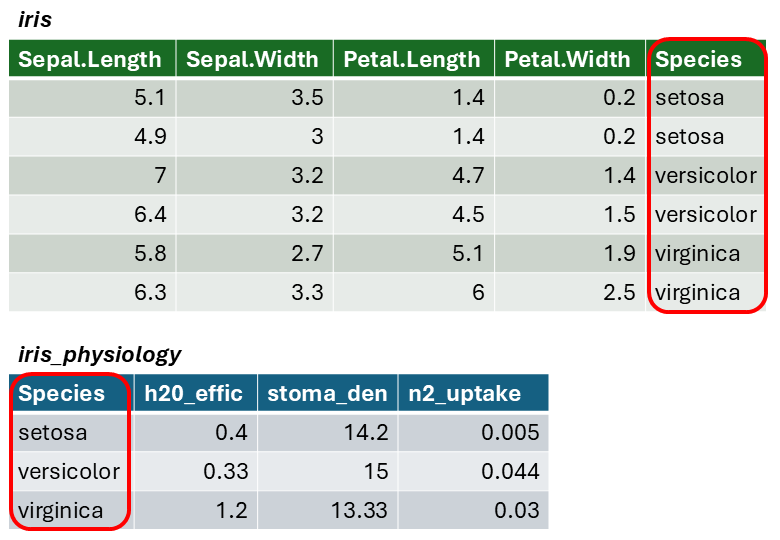
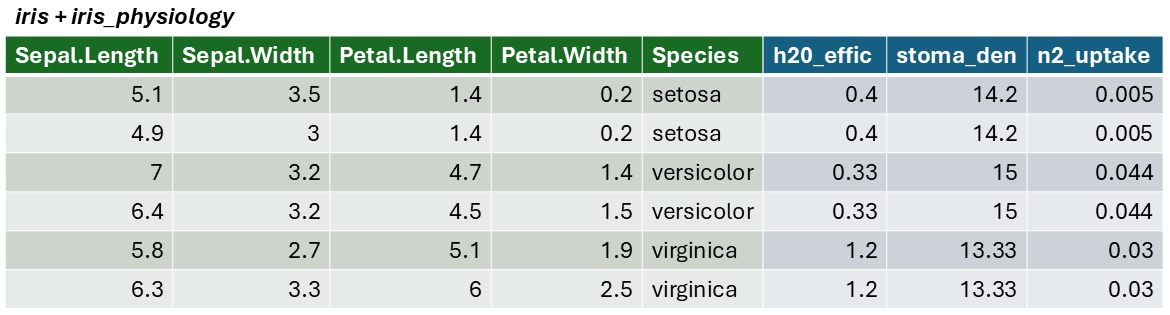
The result of a join is additional columns.
To join two data frames based on a common column, you can use:
where x and y are data frames, and by is
the name of a column they have in common.
Join columns must be the same data type (i.e., both numeric or both
character).
If there is only one column in common, and if it has the same name in
both data frames, you can omit the by argument.
The by argument can take the join_by() for more
complex cases (e.g., join columns have different names)
Simple Join Example
To illustrate a table join, we'll first import a csv with some fake
data about the genetics of different iris species:
# Create a data frame with additional info about the three IRIS species
iris_genetics <- data.frame(Species=c("setosa", "versicolor", "virginica"),
                          num_genes = c(42000, 41000, 43000),
                          prp_alles_recessive = c(0.8, 0.76, 0.65))

iris_genetics
##      Species num_genes prp_alles_recessive
## 1     setosa     42000                0.80
## 2 versicolor     41000                0.76
## 3  virginica     43000                0.65
We can join these additional columns to the iris data frame with
left_join():
iris |>
  left_join(iris_genetics, by = "Species") |>
  slice(1:10)
##    Sepal.Length Sepal.Width Petal.Length Petal.Width Species num_genes
## 1           5.1         3.5          1.4         0.2  setosa     42000
## 2           4.9         3.0          1.4         0.2  setosa     42000
## 3           4.7         3.2          1.3         0.2  setosa     42000
## 4           4.6         3.1          1.5         0.2  setosa     42000
## 5           5.0         3.6          1.4         0.2  setosa     42000
## 6           5.4         3.9          1.7         0.4  setosa     42000
## 7           4.6         3.4          1.4         0.3  setosa     42000
## 8           5.0         3.4          1.5         0.2  setosa     42000
## 9           4.4         2.9          1.4         0.2  setosa     42000
## 10          4.9         3.1          1.5         0.1  setosa     42000
##    prp_alles_recessive
## 1                  0.8
## 2                  0.8
## 3                  0.8
## 4                  0.8
## 5                  0.8
## 6                  0.8
## 7                  0.8
## 8                  0.8
## 9                  0.8
## 10                 0.8
Exercise 2
In this exercise, we will continue to work with pop-quiz data,
and: