Intro to Spatial Data
Analysis with R
SCGIS 2023
Annual Conference
Packages, Functions, Data Frames,
and Importing Data

Packages, Functions, Data Frames,
and Importing Data


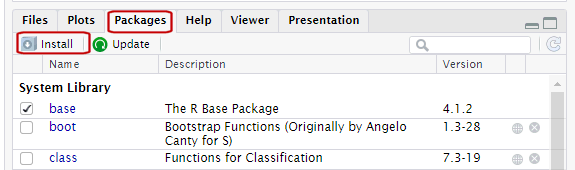
Packages are what R calls extensions or add-ons.
Three simple steps to use the functions in a package:
Figure out which package you need
Install (i.e., download) it (just once)
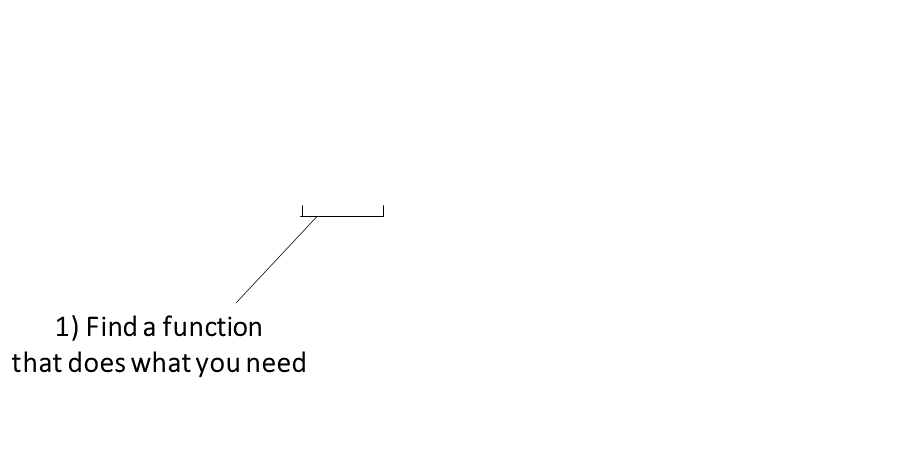
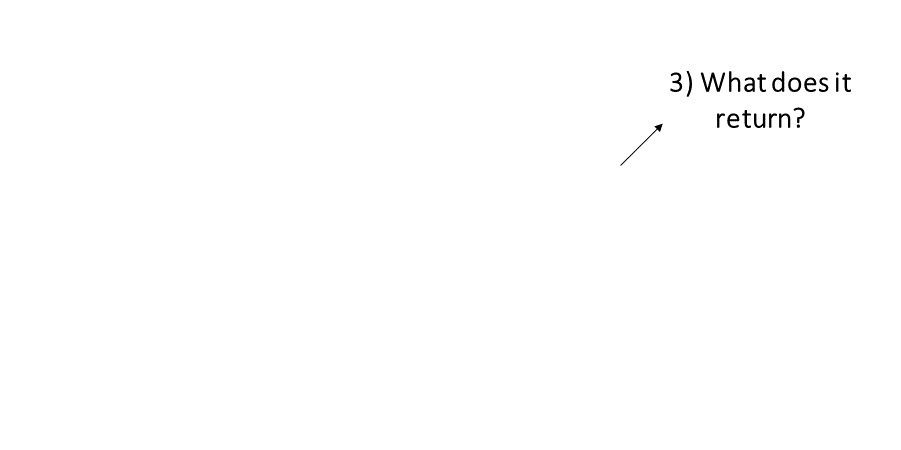
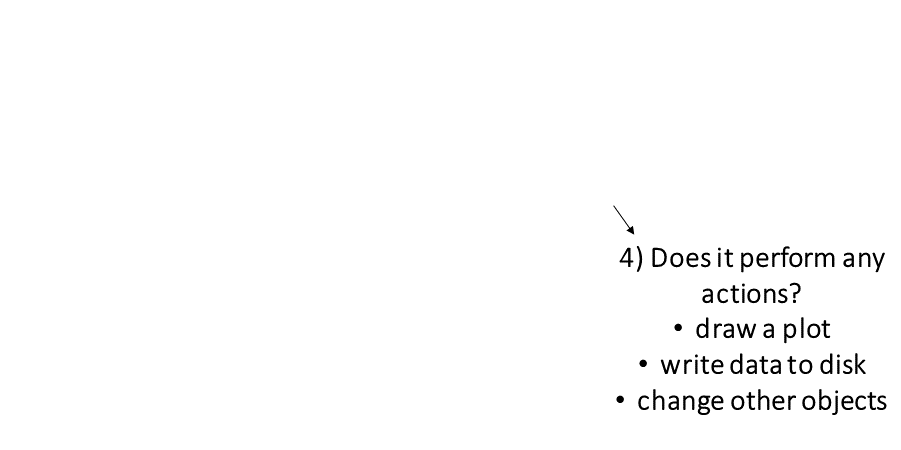
The keys to R’s superpowers are functions! There are four things you need to know to use a function:
|
Finding the right R function, half the battle is. - Jedi MasteR Yoda |

|
Ask your friends
Ask Google
Cheatsheets!
Every function has a help page. To get to it enter ?
followed by the name of the function (without parentheses):
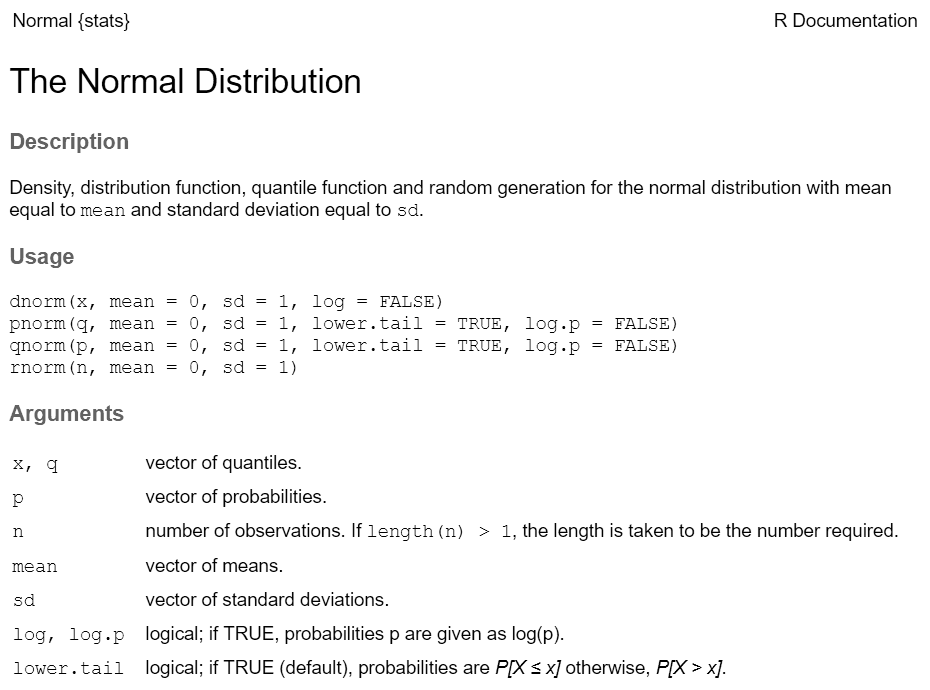
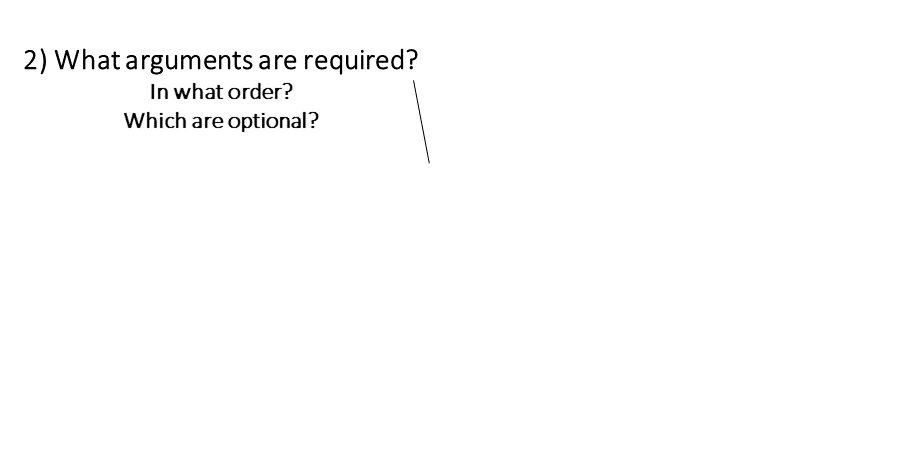
Most functions take arguments. Arguments can be required or optional (i.e. have a default value).
See the function’s help page to determine which arguments are expected. Example:
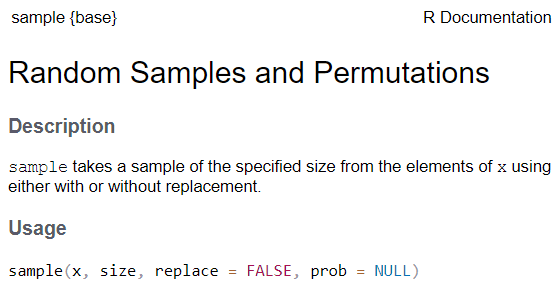
x and size have no default value → they are
required
replace and prob have default values → they
are optional
All arguments have names. You can explicitly name arguments when calling a function as follows:
Benefits of naming your arguments:
But you can omit argument names if you pass them in the order expected and don’t skip any.
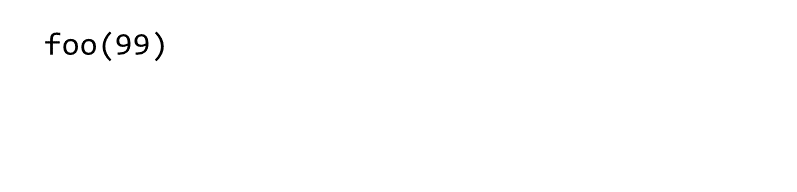
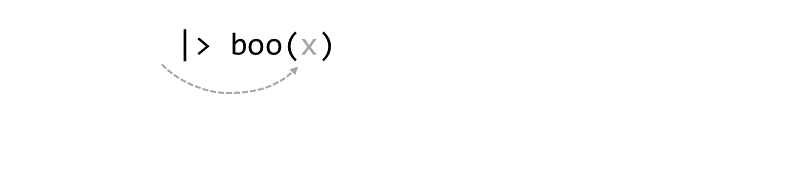
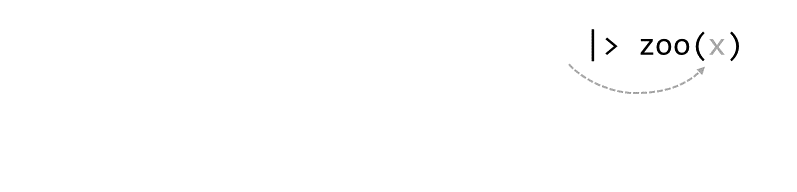
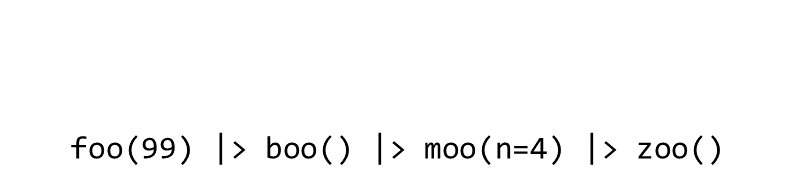
Piping syntax is an alternative way of writing arguments into functions.
With piping, you use the pipe operator |> (or %>%) to ‘feed’ the result of one function into the next function.
Piping allows the results of one function to be passed as the first argument of the next function. Hence a series of commands to be written like a sentence.
Consider the expression:
zoo(moo(boo(foo(99)),n=4))

Occasionally two or more packages will have different functions that
use the same name. 
When this happens, R will use whichever one was loaded first.
Best practice: use the package name and the :: reference
to specify which package a function is from.
When you use the package_name::function_name
syntax, you don’t actually have to first load the package with
library().
Resolving Name Conflicts with the conflicted
Package
When you call a function that exists in multiple packages, R uses whichever package was loaded first.
The conflicted package helps you avoid problems with
duplicate function names, by specifying which one to prioritize no
matter what order they were loaded.
R has two data classes that organize data in rows and columns:
rows
aka:
- record
- case
- feature (spatial)
columns
aka: variable, field
##   Sepal.Length Sepal.Width Petal.Length Petal.Width Species
## 1          5.1         3.5          1.4         0.2  setosa
## 2          4.9         3.0          1.4         0.2  setosa
## 3          4.7         3.2          1.3         0.2  setosa
## 4          4.6         3.1          1.5         0.2  setosa
## 5          5.0         3.6          1.4         0.2  setosa
## 6          5.4         3.9          1.7         0.4  setosa
To get an individual column, use $
##   Girth Height Volume
## 1   8.3     70   10.3
## 2   8.6     65   10.3
## 3   8.8     63   10.2
## 4  10.5     72   16.4
## 5  10.7     81   18.8
## 6 10.8 83 19.7## [1] 70 65 63 72 81 83 66 75 80 75 79 76 76 69 75 74 85 86 71 64 78 80 74 72 77 81 82 80 80 80 87## Min. 1st Qu. Median Mean 3rd Qu. Max.
## 63 72 76 76 80 87
You can use square bracket notation or tidyverse methods (dplyr).
Come back for Part 3. Data Wrangling
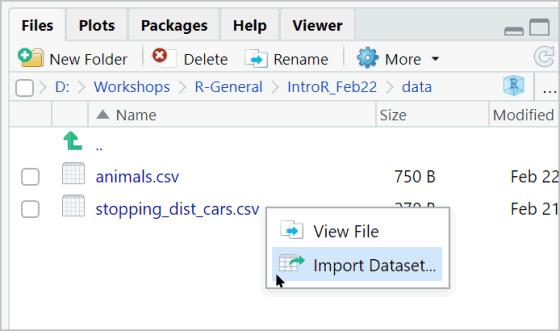
Even though you don’t see it, there is always working directory.
You can view the current working directory with:
Changing the working directory is easy!
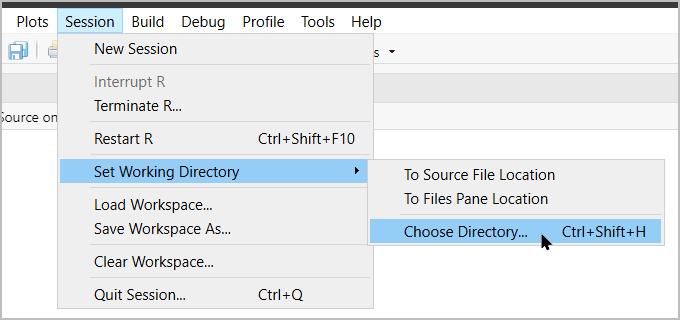
…or with code:
When using relative paths, the first '.' represents the
working directory.
The main advantage of using relative paths is portability of your project.